How to identify the project
Verity JE is the Java Edition adaptation maintained by VarmiteYT on Modrinth and CurseForge. The CurseForge record supplies a stable identity check: the title, author, and project ID 1591438 appear together. Its description states that the adaptation was created with explicit permission and contractual agreement from ThatMob. Confirming those fields is more reliable than trusting an icon, a copied filename, or a search result that merely uses the word official.
Use a project page rather than an anonymous direct link. Verity JE currently appears on Modrinth with Minecraft Java Edition 1.20.1, Forge, and a client-and-server environment. CurseForge lists the same main Forge route and also shows a NeoForge 1.21.1 file. The maintainer warns that the NeoForge branch is deprecated and has many bugs, so it should not be chosen merely because 1.21.1 looks newer.
What the maintainer says it includes
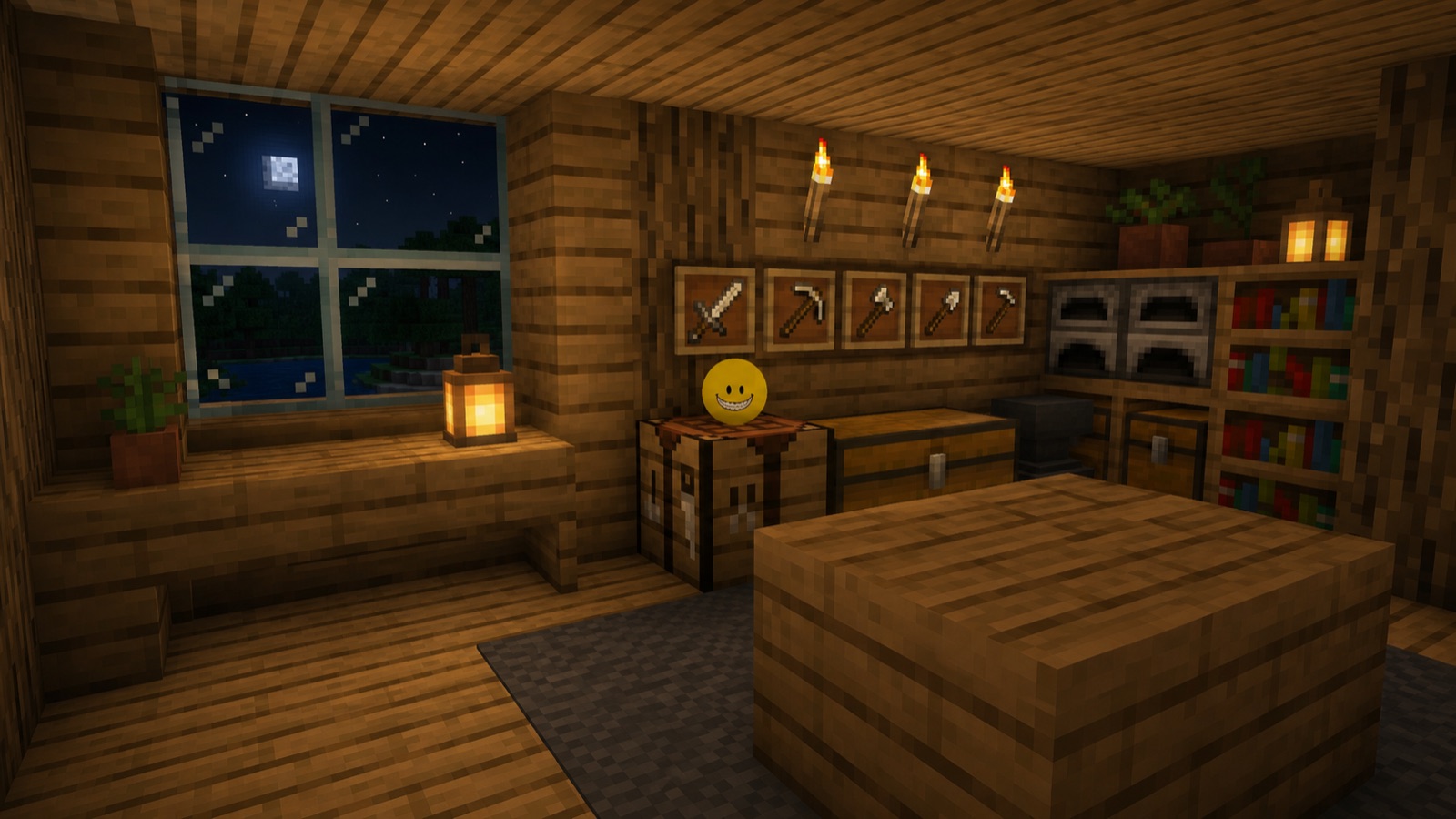
The published feature list describes Verity as a personal helper friend, an animated box for the character's arrival, a demon that can appear or be caused, and broader changes such as extreme darkness. Verity JE also connects its conversational behavior to Groq. These points define the supported overview; a viral clip may contain extra editing, narration, or a different build and should not be treated as the release documentation.
The project notes a local Ollama setup as an alternative to the cloud provider. It also says AI text supports all languages, while speech-to-text and text-to-speech were tested only in English. That wording matters: Verity JE may produce text in another language without guaranteeing equally reliable recognition or spoken output. Check the publisher's current notes when language support is essential to your session.
Install a reliable baseline
Create a clean Minecraft 1.20.1 Forge instance that is separate from your normal worlds and modpacks. Launch it once before adding Verity JE. Then select the current matching file from the maintained project and install every dependency named on that file's relation list. Launch again with no shaders or unrelated mods. This sequence makes a loader mismatch, missing dependency, and mod-specific failure distinguishable.
Use a new test world and confirm the stages in order: menu, world, character, conversation. Back up an established world before opening it with any changed loader set. The client-and-server label means multiplayer needs extra care: match the game version, loader, Verity JE release, and dependencies wherever the publisher requires them, and test on a private server before inviting others.
Configure Groq or Ollama safely
For Groq, generate a key in the provider's own console and follow only the current maintainer setup tutorial for where to enter it. Do not share it with a guide, paste it into chat, or include it in a support screenshot. Groq's security documentation recommends keeping keys out of source code and revoking an exposed key immediately. A Verity JE download page has no legitimate reason to collect your secret.
For Ollama, install the application from its official source and verify it runs independently before connecting Minecraft. Obtain the model specified by the current tutorial, then test Verity JE. If the entity renders but produces no answer, check the selected provider, running service, model availability, network, microphone, and the first useful game-log error. Do not change all settings at once; one-variable tests reveal the cause faster.
Update without losing a working setup
Keep a copy of the profile after Verity JE works. Before an update, read the changelog and current compatibility labels, duplicate the instance, and test the new file in the copy. Never place Forge and NeoForge builds together or assume a release supports Fabric when the project does not list it. Remove the old version when the publisher's instructions call for replacement rather than leaving duplicate JARs.
The project is evolving, so any fixed guide can age. Recheck Modrinth or CurseForge for warnings, dependencies, and tutorials each time. Avoid passworded archives, executable wrappers, and file mirrors that obscure the publisher. A careful player does not need a permanent direct-download link; the maintained Verity JE record is the safer, more useful destination.
Fix crashes with a minimal reproduction
If verity minecraft mod java closes with an exit code, preserve the launcher output, latest log, and crash report before reinstalling. Search the log for a missing dependency, incompatible mod set, wrong loader, duplicate JAR, unsupported Java class version, or mixin failure. Compare the named versions with the Modrinth release details. An exit code is a symptom; the log usually contains the useful mismatch.
Test again with only Forge, Verity JE, and its required dependencies. Confirm the mod appears in the Mods list and create a new world. If that baseline works, add optional files one at a time. If it still fails, use the support links on the project page and send exact release identifiers, operating system, steps, and a redacted log. Do not bypass security warnings or download replacement JARs from strangers merely to make the error disappear.