AI Companion
The maintained project describes Verity as a personal helper powered through Groq, with a separate local Ollama setup path.

Verity JE 5.7.3 · Minecraft 1.20.1 Forge
“I'm here to help.” The VERITY horror concept begins with a friendly AI companion, then turns that trust into darkness and a documented demon form.
Horror content · Darkness and chase themes
The Entity
Drag the slider to uncover what hides behind the smile.

☻ Phase 01 — The Friend
The maintained project presents Verity as a cheerful yellow personal helper powered through a configured AI provider.
“Don't worry. I'll keep you company down here.”
What's Inside
Verity isn't just a mob — it's a complete psychological horror experience built to test your survival instincts.
The maintained project describes Verity as a personal helper powered through Groq, with a separate local Ollama setup path.
Verity arrives in an animated box before the small yellow companion becomes part of the player's world.
The publisher lists a demon form that Verity can spawn or cause as part of the horror experience.
Documented environmental changes include extreme darkness and other effects inspired by the original video concept.
The current project metadata marks the Java release for both client and server environments.
The maintained Modrinth listing currently points players to Minecraft 1.20.1 with Forge.
Screenshots
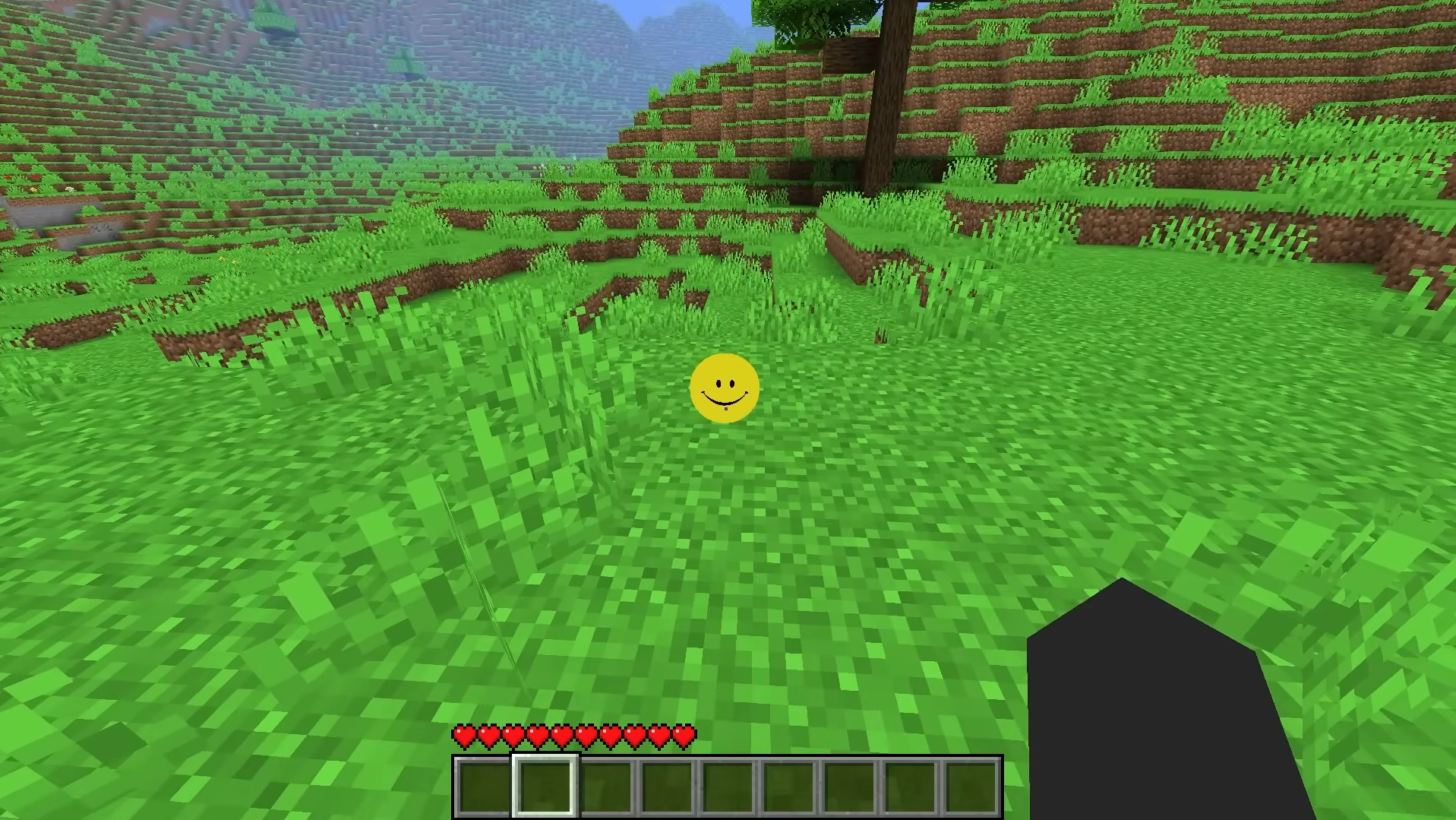
It finds you in the open. Harmless. Friendly. Just a little smile.
Download
Use the maintained main release unless the publisher changes its compatibility guidance.
Downloads open the verified Modrinth project. This tribute site does not host executable files.
Release Notes
Before You Install
Verity is a yellow personal helper from a Minecraft horror concept. The maintained Java adaptation documents an AI companion, an animated box, a demon form, and environmental changes such as extreme darkness.
Yes. The verified community project is free. Follow the official project page for current download and support information.
The current main Verity JE release is for Minecraft Java 1.20.1 with Forge. CurseForge also lists a NeoForge 1.21.1 branch that the publisher marks deprecated and buggy. Always recheck the live file page.
The maintained Java project currently lists client and server support. Every player and server still needs a compatible game version, loader, release, and dependency set.
For the current main route, use Minecraft Java 1.20.1 with the matching Forge profile, then follow the publisher's Groq or local Ollama setup guide. Never run installers from unknown file hosts.
Verity is a genuine horror experience with jump scares, sustained tension, and psychological elements. It is not recommended for younger players.